
Changing Student Avatars
Students added through “Bulk Add Student” or “CSV Import” automatically receive Dinolingo's default green dinosaur avatar.
How to Change a Student's Avatar
Only teachers can change student avatars.
- Log in to your Dinolingo School Dashboard.
- From the dashboard, click Classrooms in the main menu.
- Select the classroom where the student is enrolled.
- Find and select the student whose avatar you want to change.
- Click Edit on the student's profile.
- Click the avatar image at the top of the page.
- Choose a new avatar and click Save.

Note for Teachers: Students cannot change their own avatars. If a student would like a different avatar, they can ask their teacher to update it. Teachers can change avatars as often as needed.
-
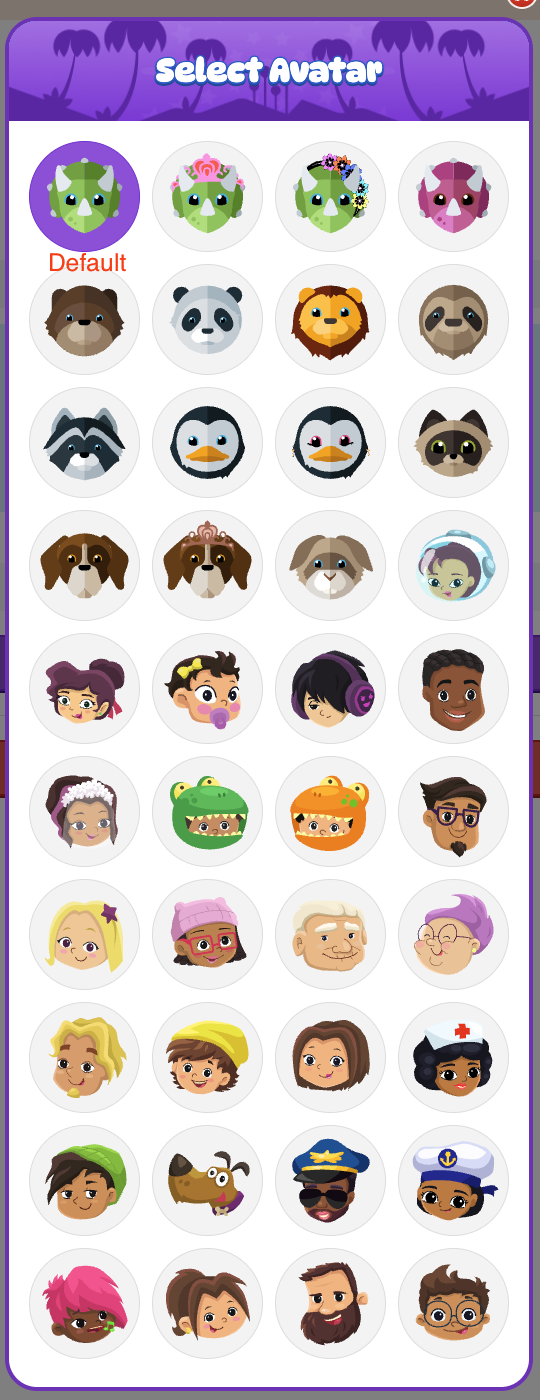
Student Avatars
