For Students: How to Login
How Students Log In
- Visit Dinolingo Login -> Select Schools -> Students
- Enter the Classroom Code and Student Code provided by your teacher.
- Click Log In to access your account and start learning.
Important: Students, you do not need an email address to login.


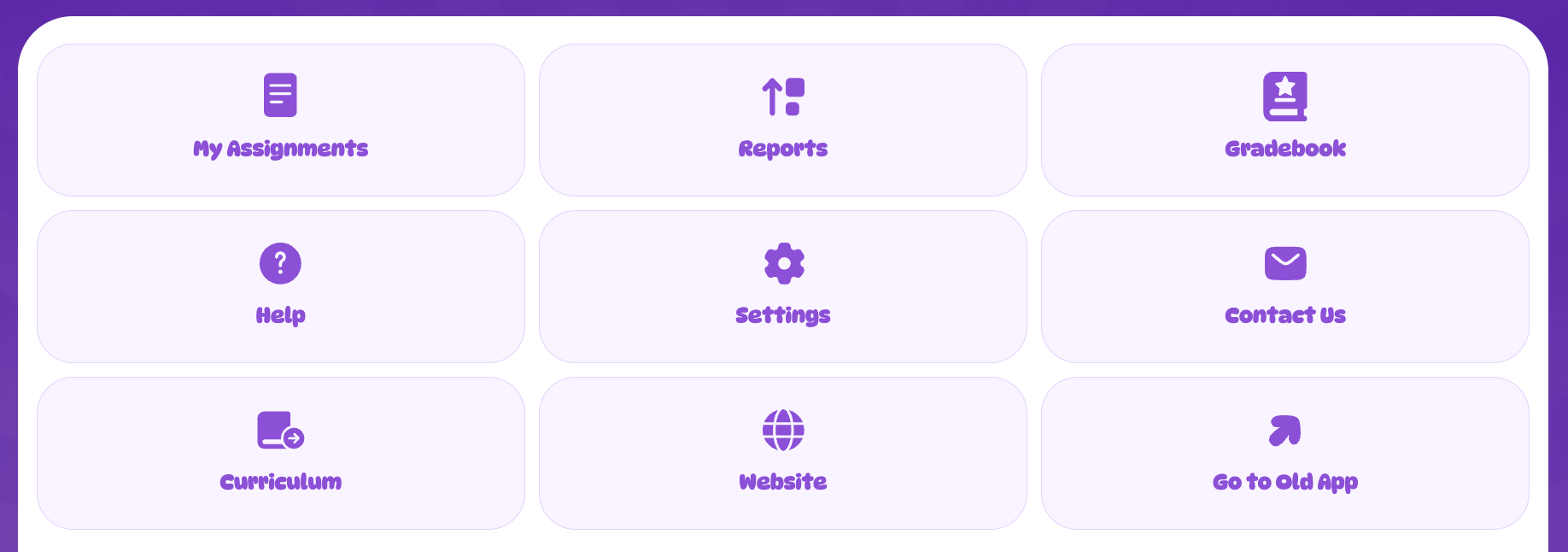
After logging in, go to Dashboard → My Assignments to check for work assigned by your teacher.